CarX Street Controls Guide: Best Steering and Sensitivity Settings
Winning races in CarX Street is not just about having a fast car. The way you steer, brake, accelerate, and control your vehicle through corners can make a big difference to your performance. If your car keeps sliding, turning too sharply, or losing control at high speeds, adjusting your controls may help you drive more consistently.If you’re new to the game, visit our CarX Street MOD APK page to learn more about the game and explore its features before improving your driving skills.
This CarX Street controls guide explains how to choose a suitable steering method, adjust sensitivity, improve cornering, and find settings that match your driving style. Whether you are a beginner or an experienced racer, these tips can help you build better control on city streets and challenging racing routes.
Why Controls and Sensitivity Matter in CarX Street
Good controls help you react quickly without making unnecessary movements. When steering sensitivity is too high, even a small input can make your car turn aggressively. If it is too low, you may struggle to change direction quickly during tight corners.
The right setup depends on several factors, including your device, car handling, speed, and personal preferences. A setting that feels comfortable for one player may not work as well for another.
Instead of copying someone else’s configuration exactly, start with a balanced setup and make small adjustments until your car responds the way you expect.
Best Steering Method for CarX Street
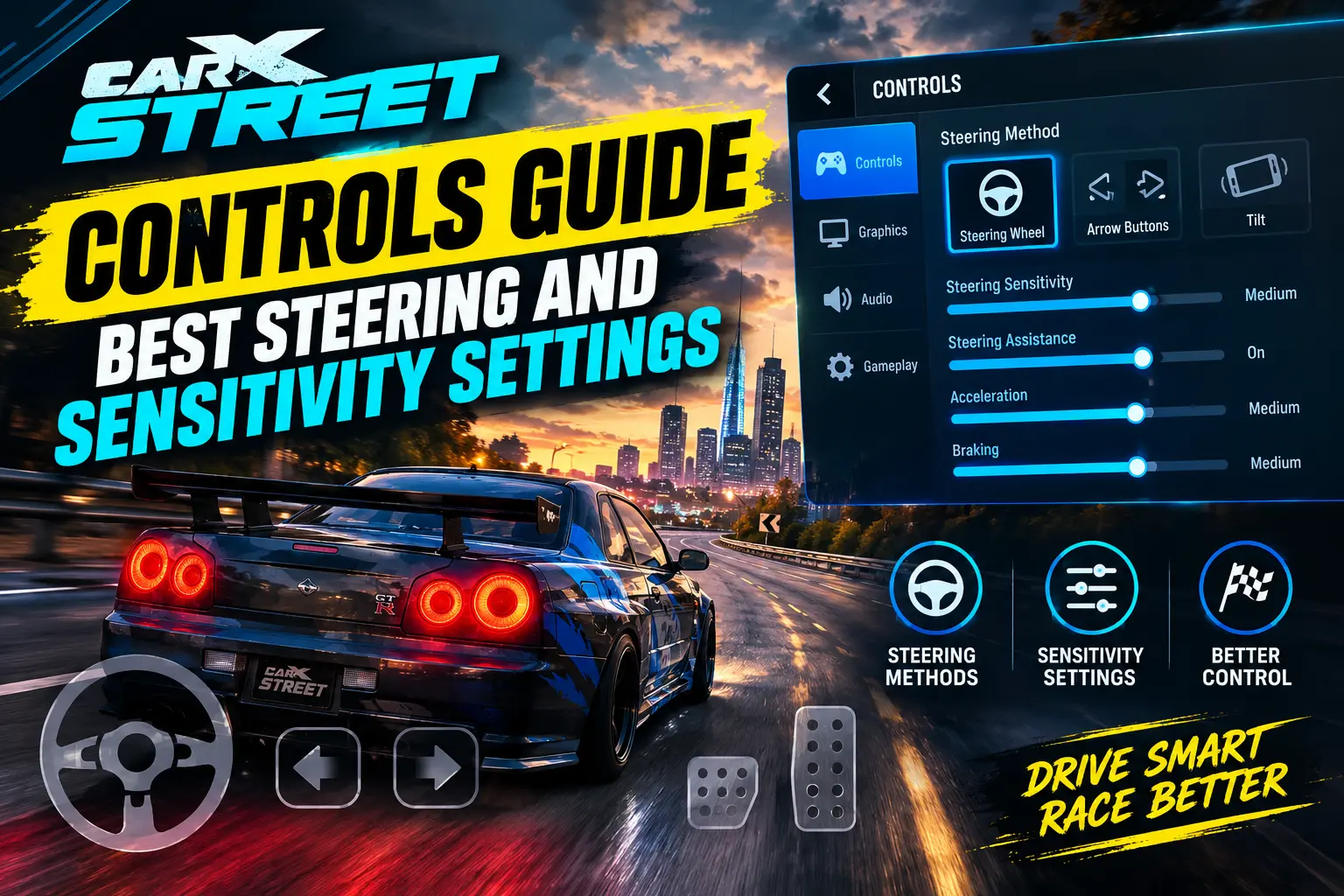
CarX Street offers different ways to control your vehicle, depending on the available control options in your game version. Each method has its own advantages, so choosing one that feels natural is important.
1. Steering Wheel
The steering wheel can be a good choice for players who want more gradual control over their turns. It allows you to make small steering adjustments, which can be useful when navigating bends or maintaining a smooth racing line.
Best for: Players who prefer precise steering and have time to practise their inputs.
Tip: Avoid turning the wheel too far when driving at high speeds. Gentle adjustments can help you maintain stability.
2. Arrow Buttons
Arrow buttons provide a straightforward way to steer left and right. They are easy to understand, especially for beginners, but holding a direction for too long may cause the car to turn more than necessary.
Best for: New players and anyone who prefers simple, direct controls.
Tip: Use short steering inputs when approaching a corner. Release the button when your car is pointing in the right direction instead of continuing to hold it.
3. Tilt Steering
If your version of CarX Street supports tilt controls, you can steer by moving your device. This method may feel intuitive for players who prefer motion-based controls, although it can take time to develop consistent accuracy.
Best for: Players who enjoy motion controls and want to experiment with a different driving style.
Tip: Keep your movements steady and avoid tilting the phone too aggressively when entering a corner.If you want to explore a different way to play, our CarX Street for PC guide explains how to play the game on a computer using an Android emulator.
Best Steering and Sensitivity Settings
There is no single sensitivity configuration that works perfectly for every device and vehicle. However, the following starting points can help you test your setup and identify what feels comfortable.
| Control setting | Suggested starting point | Main benefit |
|---|---|---|
| Steering sensitivity | Medium | Balanced steering response |
| Steering input | Gradual and controlled | Better corner entry |
| Acceleration | Smooth input | Improved traction |
| Braking | Controlled before corners | More stable turns |
| Steering assistance | Test available options | Find a comfortable balance |
These are general recommendations rather than verified universal in-game values. If your game uses numerical sensitivity sliders, begin near the middle of the available range and adjust gradually.
How to Adjust Steering Sensitivity
Follow these steps to find a suitable steering response:
- Open CarX Street and enter the game’s settings menu.
- Look for the controls or steering section.
- Select your preferred steering method.
- If a sensitivity slider is available, begin around its midpoint.
- Drive on a familiar road and test several turns at different speeds.
- Increase sensitivity slightly if the car feels slow to respond.
- Reduce sensitivity if the car turns too sharply or becomes difficult to keep straight.
Change only one setting at a time. This makes it easier to understand which adjustment actually improves your driving.
How to Improve Steering Control During Races
Choosing good settings is only part of the process. Your driving technique also affects how well your car handles different situations.
Slow Down Before Tight Corners
Braking before entering a sharp turn gives you more time to position your vehicle. If you approach every corner at maximum speed, you may struggle to maintain your racing line.
Try reducing speed before the turn, steering smoothly through the corner, and accelerating as you begin to straighten the car.
Avoid Sudden Steering Movements
Quick, aggressive steering inputs can make a car feel unstable, particularly at higher speeds. Instead, turn gradually and correct your direction with small movements.
This technique is especially useful when driving through narrow streets or navigating consecutive corners.
Learn When to Accelerate
Accelerating too early while the car is still turning can make it harder to maintain control. Try applying power progressively as the steering angle decreases.
The ideal approach can vary depending on your vehicle, drivetrain, tyres, and tuning setup, so practise with the car you use most often.
Practise on Familiar Roads
Choose a route that includes both wide bends and tighter corners. Drive it several times using the same car, then make one small control adjustment and repeat the route.
Pay attention to whether you can stay on your intended line, avoid unnecessary corrections, and exit corners smoothly.
Best Control Tips for Beginners
If you are new to CarX Street, focus on consistency instead of trying to drive as aggressively as possible.If you’re playing on an iPhone or iPad, visit our CarX Street for iOS guide for device compatibility details and installation information.
- Start with a steering method that feels easy to understand.
- Keep sensitivity near a comfortable middle setting before experimenting.
- Brake before tight corners rather than waiting until the last moment.
- Avoid holding steering inputs longer than necessary.
- Practise with one car until you understand its handling.
- Make small changes instead of adjusting every control at once.
- Test your setup during normal driving before relying on it in competitive races.
These habits can help you understand how your vehicle responds and make it easier to identify problems with your current setup.
Best Controls for Drifting in CarX Street
Drifting requires a different approach from ordinary circuit or street racing. You need to manage steering, throttle, and vehicle balance while maintaining the desired slide.
If your steering is too sensitive, countersteering may feel difficult because the car reacts too quickly. If your inputs are too slow, you may struggle to correct the slide before the vehicle rotates too far.
For better results, try these techniques:
- Enter the corner at a manageable speed.
- Use controlled steering to initiate the turn.
- Apply throttle according to your car’s handling and traction.
- Countersteer gradually when the rear of the car begins to slide.
- Adjust throttle and steering together to maintain the drift.
Remember that drifting settings will not necessarily be ideal for grip racing. Test your controls in the driving style you actually want to improve.
Common Control Problems and How to Fix Them
My Car Turns Too Sharply
Your sensitivity may be too high, or your steering inputs may be too aggressive. Lower the sensitivity slightly if the option is available, then test the same corner again.
My Car Does Not Turn Quickly Enough
Try increasing sensitivity in small increments. Also check whether you are entering corners at an appropriate speed, because excessive speed can make a turn difficult even with responsive controls.
My Car Slides When I Turn
Sliding can result from excessive speed, abrupt steering, throttle application, or your car’s tyre and suspension setup. Slow down before corners and make smoother inputs before changing several settings at once.
I Keep Missing Corners
Look ahead toward the direction you want to travel instead of focusing only on the front of your car. Begin braking earlier and practise taking the same corner using a consistent approach.
My Controls Feel Different Between Cars
Different vehicles can respond differently because of their handling characteristics and tuning. Keep a familiar control setup initially, then make small changes if a particular car requires a different approach.
Should You Change Controls or Car Tuning First?
If your car feels difficult to control, start by checking your driving inputs and sensitivity. A poorly matched control setup can make even a well-tuned vehicle feel uncomfortable.
If the problem continues, examine your car’s tuning. Tyres, suspension, drivetrain characteristics, and other setup choices can affect how the vehicle responds in corners.
For a more complete approach, read our CarX Street Best Tuning Settings for Fast Racing guide to learn how vehicle adjustments can complement your driving technique.
The key is to avoid changing your controls and tuning simultaneously. Test one adjustment, compare the results, and keep the changes that genuinely improve handling.If you prefer an earlier game build, explore our CarX Street old versions guide to learn about previous releases and their potential compatibility benefits.
Final Thoughts
Finding the best steering and sensitivity settings in CarX Street takes a little experimentation. A balanced starting point, smooth steering inputs, and controlled braking can make driving easier without requiring you to copy another player’s exact configuration.
Choose a steering method that suits your device, test sensitivity on familiar roads, and adjust only one setting at a time. With consistent practice, you can develop better cornering habits, reduce unnecessary sliding, and feel more confident during races.
There is no perfect setup for every player. The best configuration is the one that helps you control your car comfortably and consistently.